
Acer eDisplay Pro1.12.70.755 - Get APK
You'll be able to download in few seconds.
Publisher Description
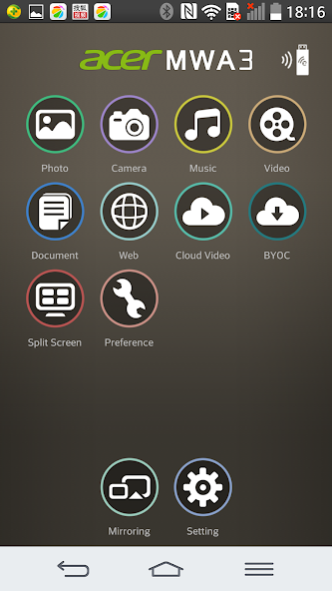
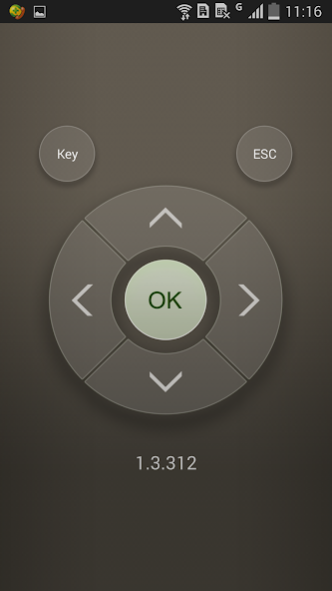
There're some new advanced features like host control, preferred device, 4 split screens display and others,
and it also keeps most popular functions like Multimedia streaming, On-line video, Document viewer and Live camera...etc.
New features for SW:
1. Split Screen: Allow 4 different devices to connect and display content on Acer projectors.
2. Host Control: Add Host role to control split screen
3. Preferred device: Remember the current device and WiFi environment as a favorite one to save the connection method
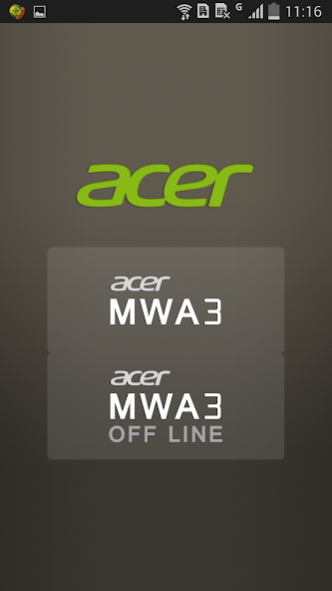
4. Off-line mode: Allow you to enter app and use some features without connect to wireless adapters
5. Conference control: Administrator mode to control all connections via Web browser
6. Client mode discovery: Can discover Acer projector and control under subnet instead of only peer to peer WiFi connection
Requirements:
OS:Android 4.4 above
Device Hardware: 1GHz CPU and 1GB+ DDR are prefered
Supports:
Local photo display, Local Music/Video Streaming
Web browsing and Internet Video Streaming
Office document presentation
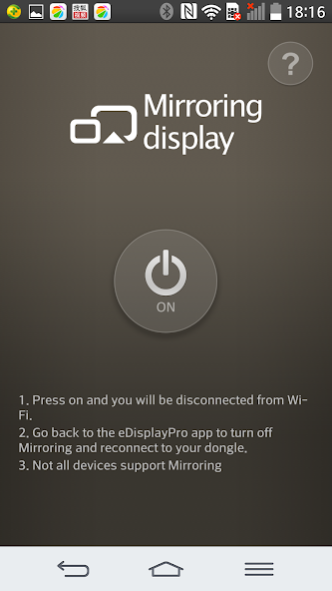
Mirroring Display
For further information and user's guide, please refer to Acer official site: www.acer.com
About Acer eDisplay Pro
The company that develops Acer eDisplay Pro is Winner Wave Co.,Ltd.. The latest version released by its developer is 1.12.70.755.
To install Acer eDisplay Pro on your Android device, just click the green Continue To App button above to start the installation process. The app is listed on our website since 2017-07-07 and was downloaded 0 times. We have already checked if the download link is safe, however for your own protection we recommend that you scan the downloaded app with your antivirus. Your antivirus may detect the Acer eDisplay Pro as malware as malware if the download link to com.acer.edisplaypro is broken.
How to install Acer eDisplay Pro on your Android device:
- Click on the Continue To App button on our website. This will redirect you to Google Play.
- Once the Acer eDisplay Pro is shown in the Google Play listing of your Android device, you can start its download and installation. Tap on the Install button located below the search bar and to the right of the app icon.
- A pop-up window with the permissions required by Acer eDisplay Pro will be shown. Click on Accept to continue the process.
- Acer eDisplay Pro will be downloaded onto your device, displaying a progress. Once the download completes, the installation will start and you'll get a notification after the installation is finished.
Program Details
System requirements
Download information
Pricing
Version History
version 1.12.70.755
posted on 2017-07-07
1. fix: compatibility issue of android 7.0
2. fix: cannot play youtube videos
version 1.10.53.697
posted on 2016-07-21
1. Fix EZChannel playback issues,2. Add WiFi reconnect mechanism,3. Support RTMP web streaming,4. Improve streaming user experience
Disclaimer
External Download
We do not host Acer eDisplay Pro on our servers. We did not scan it for viruses, adware, spyware or other type of malware. This app is hosted by Galad and passed their terms and conditions to be listed there. We recommend caution when installing it.
The APK Download link for Acer eDisplay Pro is provided to you by apps112.com without any warranties, representations or guarantees of any kind, so access it at your own risk.
If you have questions regarding this particular app contact the publisher directly. For questions about the functionalities of apps112.com contact us.
